HRSS error 01-01-21 – EtherCAT disconnection: how to solve
HIWIN HRSS error 01-01-21 (EtherCAT disconnection): what repeated EtherCAT alarms mean, why the controller is the usual cause and the first safe checks.
Summary
If EtherCAT alarms such as 01-01-21 keep returning and the history shows "EtherCAT frame lost" even with the servo off, the controller is almost certainly the cause, not the manipulator or the cables. Back up the robot data and record the zero-position encoder values while the old controller still runs, then plan the replacement before disconnecting anything.
Symptoms
- The robot stops with EtherCAT disconnection (01-01-21), often together with the EtherCAT SAFEOP and OP state change errors (01-01-2D, 01-01-2E) and servo-on timeouts (01-03-86).
- The controller history shows “EtherCAT frame lost” over and over, sometimes for months, and the count keeps growing.
- The losses also appear with the robot idle and the servo off.
- Sometimes EtherCAT does not start at all at power-on.
- A reset or restart gets the robot going again, but only for a while, so the cell cannot run unattended.
For general EtherCAT troubleshooting, see HIWIN robot EtherCAT errors in HRSS.
Likely causes
When this pattern appears, the controller is almost certainly at fault. The manipulator and the cables are not the problem. Frame losses that continue with the servo off rule out motion and motor noise, and they point to the controller rather than to the wiring.
Frequent hard power cuts instead of a proper shutdown also put the controller’s data at risk. Avoid them.
One real case
An RA605 on a GC controller had been logging frame losses for over a year and a half, and the stops were becoming more frequent. The data and zero-position values were backed up and the controller was replaced. The zero positions and the robot database were then restored and a few points were touched up. The robot then ran a full morning in continuous autonomous operation without an error. The customer’s own staff did all the work at the cell, with remote guidance.
Safe checks
- Make the cell safe according to your site’s own procedures before anyone approaches the robot or the controller.
- Export the controller’s alarm and operation history. Note when the “EtherCAT frame lost” entries started and whether they are still increasing.
- Check whether the losses also occur with the robot idle and the servo off. If they do, the controller is the likely source.
- Check how the controller is normally switched off. If it is regularly cut at the mains, change this to a proper shutdown.
- While the old controller still runs, back up the robot data and record the encoder values at the zero position. Do this before anything is disconnected.
- Do not start replacing cables or opening the manipulator on the strength of these alarms. Never bypass or mute a safety function to keep the robot running.
When to get help
Book a call if EtherCAT errors keep coming back or a controller replacement is being considered. Call before anything is disconnected, because the backups must be made while the old controller still works. With the data and zero positions saved, a new controller does not mean teaching the robot from scratch.
Hardware under warranty and safety-related faults go to your HIWIN supplier or local HIWIN office. The remote call helps you plan the backups, the swap and the restart.
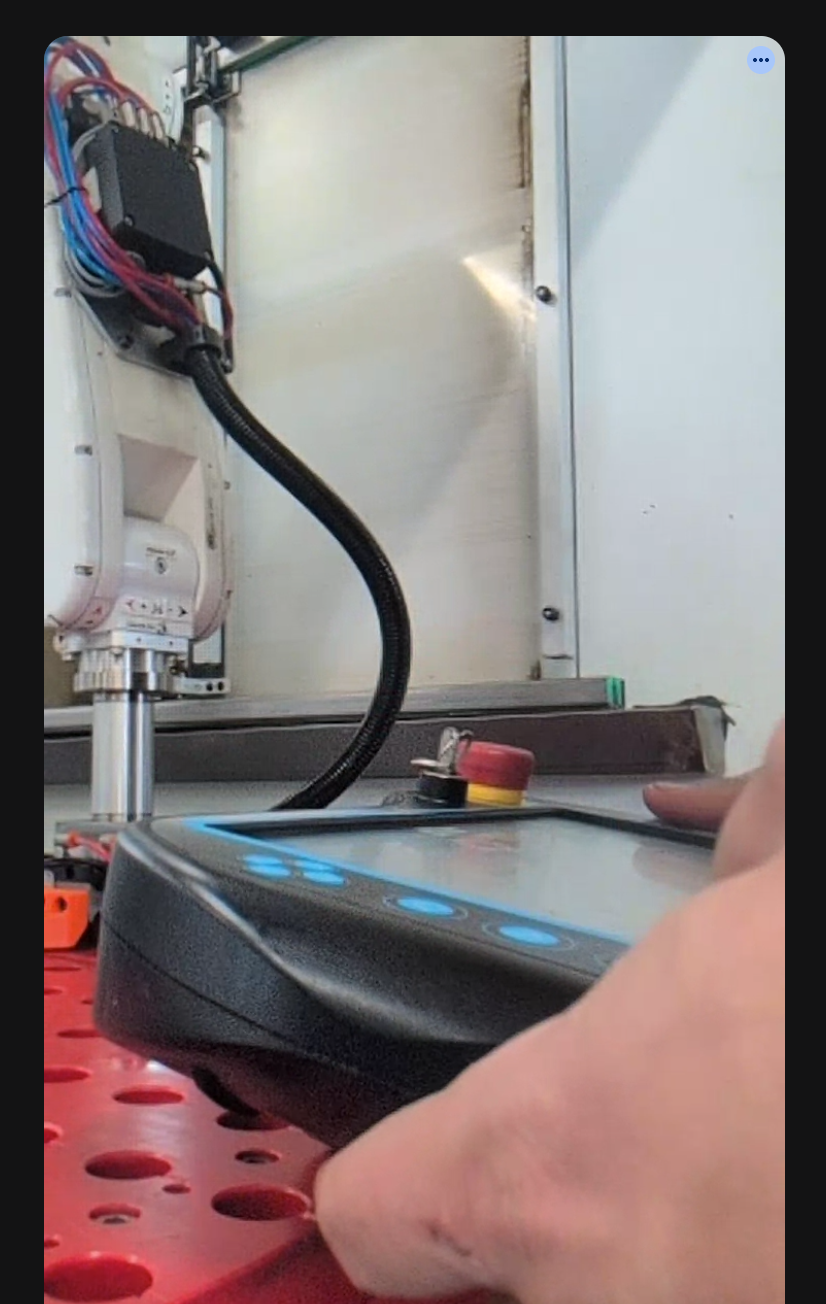
Independent explanation written by Giovanni Ventilii. This is not official HIWIN documentation. Always follow your robot's official manuals, your site's safety procedures and your supplier's instructions.